
How to Manage Multiple Snooker Tables From One Tablet
Organize table identity, active-plan capacity, TV connections and staff checks without promising a universal device limit.
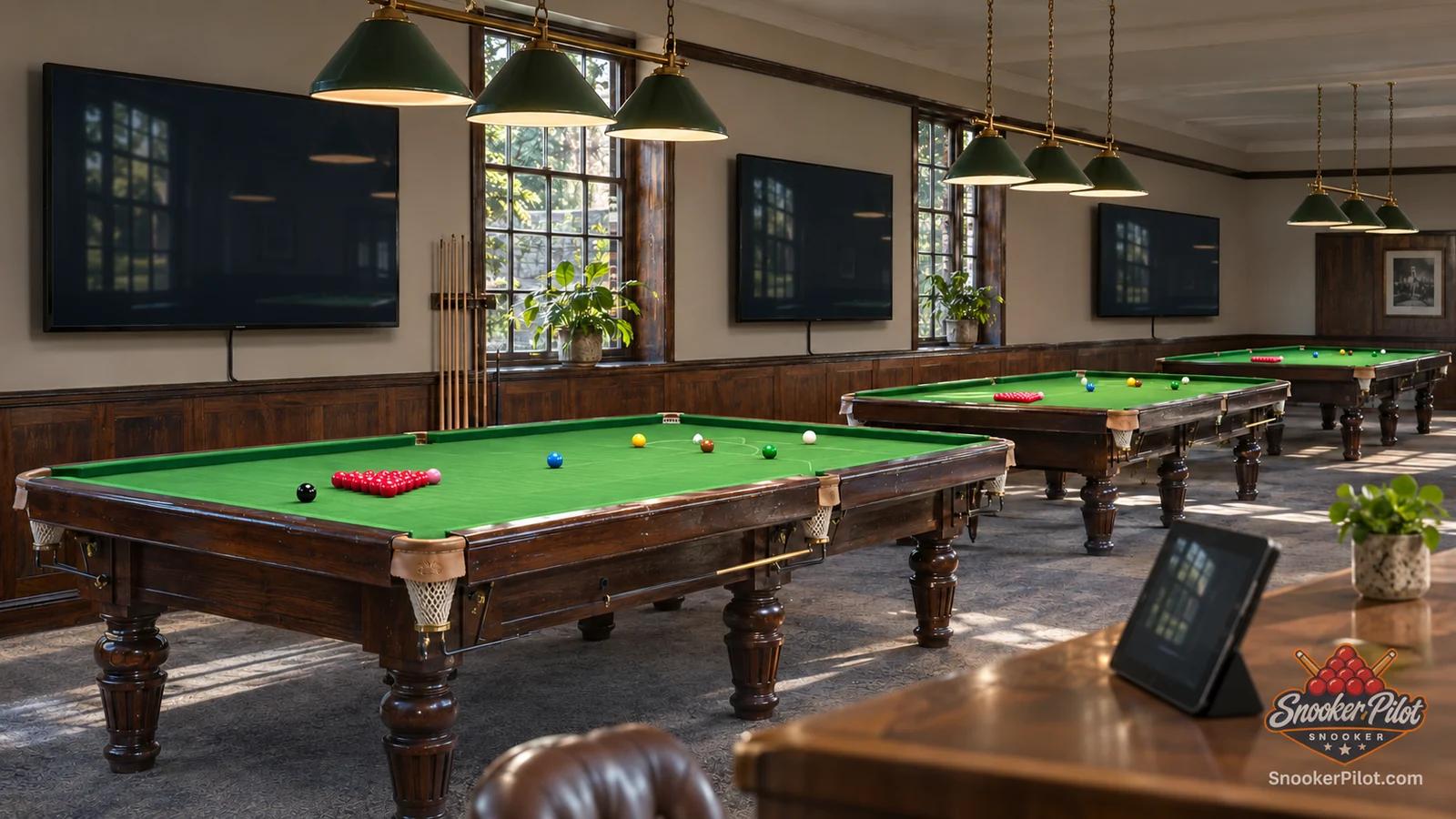
Give every physical table a clear identity
Use names that match signs in the room and verify them on each TV. Keep the same identity in staff handover and history review. Similar labels and swapped displays create avoidable mistakes. Walk around the venue with the tablet and confirm every assignment before a busy shift. The goal is to know which physical game an action will affect.
Match active capacity to the package
SnookerPilot Starter allows one active table, Club three, Professional five and Unlimited has no product table cap. A downgrade can pause tables beyond the allowance while retaining saved games. Choose the permitted active set in club settings; do not treat a paused TV as merely a wireless fault. Upgrading capacity and fixing connectivity are different tasks.

How to Choose Snooker Club Management Software: A Feature Checklist
Test real workload on real hardware
There is no verified crash-free maximum for every tablet. Ten tables may be a reasonable workload for suitable modern hardware and a sound network, but that is not a published load-test guarantee. Test your intended count with simultaneous scoring, history use, tournament activity and reconnection. Check responsiveness, memory pressure, heat and reliable power during a representative session before expanding further.
Create a repeatable staff routine
Before a change, confirm table name, selected players and connection state. After a finished game, review the saved result and charge. Assign responsibility for corrections and backups. If a network interruption occurs, diagnose the shared network and individual connection rather than repeatedly creating duplicate tables. A clear routine is as important as adding more screen space.
At your club with SnookerPilot
SnookerPilot lets the tablet organize multiple table connections and their games while TVs provide the individual scoreboards. Club and higher brings queues and tournaments across available tables. For remote website review of history, players and statistics, every base package needs the separate $50/year online-data add-on.
Compare the packages